Always read the label and follow the directions for use. Read the warnings available on nzmsdiabetes.co.nz/resources before purchasing. Consult your healthcare professional to see which product is right for you.
How to get started
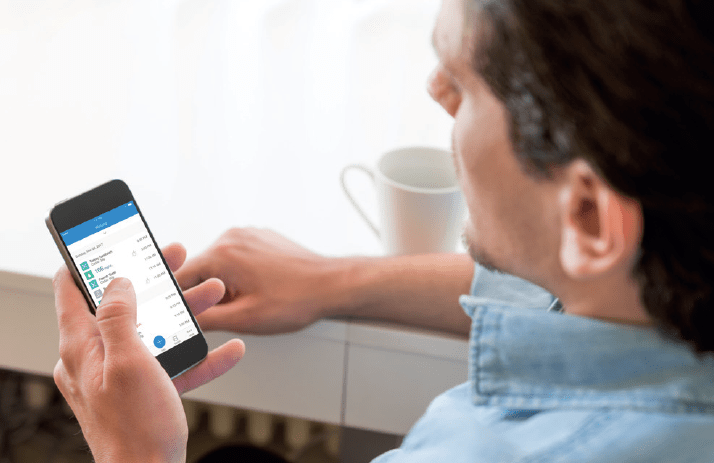
Starting with Glooko is super easy, creating an account is completely free. To find out more about the account setup process, just visit our resources page.
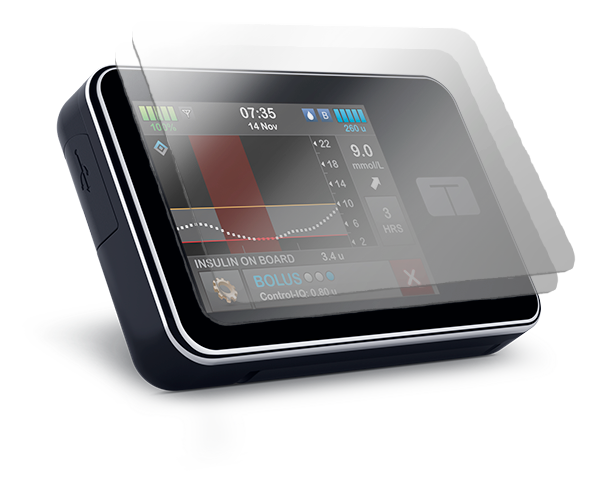
Glooko is compatible with many devices such as t:slim X2 Insulin Pump, Dexcom G6 and Dexcom G7 as well as some glucose meters.
Key features
Simple & Effective Communication
Glooko believe that simple and effective communication between healthcare professionals and their clients is essential for glucose management.
Easy Uploading
Glooko enhances the communication between healthcare providers and their clients. This means easy uploading from glucose meters, insulin pumps and CGM. Glooko presents data in a clear and structured way through graphs, tables and statistics.
Compatibility
Glooko offers healthcare professionals an online solution that collects and store all the data centrally, without worrying about any software installation. No matter if the device uses a cable, is wireless, uses infrared or is a mobile app, all uploaded information will immediately be shown online in a secure glooko.com account. All data from multiple devices will be consolidated and presented in one report.
Frequently asked questions
For additional resources, please visit our resources page or contact NZMS Diabetes on 0800 500 226.
What devices are currently supported?
To see which devices are compatible for upload, click here.
On which operating systems can I use the Glooko® Uploader?
Both PC and Mac. Compatible with Windows 7, 8 and 10 and MacOS 10.9-10.12. For the latest information, click here.
We have more than one person living with diabetes in our household. Do they each need to be registered separately?
Yes. Each person will need to be registered under a unique email address, password and serial numbers for their devices in order to keep the records separated.
What do I do if I need to change computers?
Since Glooko Diasend is a web-based platform, you will have access to your data on any computer – as long as you have a stable internet connection. You’ll need to install the Glooko Diasend Uploader again. You will be able to download it from your Glooko Diasend account under “Tools”.
Can data be exported from Glooko?
Yes, you can export glucose, CGM readings and Insulin Pump data to a downloadable Excel file under the Compilation tab.
How do I download the Glooko Uploader?
1. You can download the Diasend Uploader through the registration process
2. If you have already been registered, you can log in to diasend.com with your details, then click on Tools and select the appropriate uploader for your operating system
Other accessories
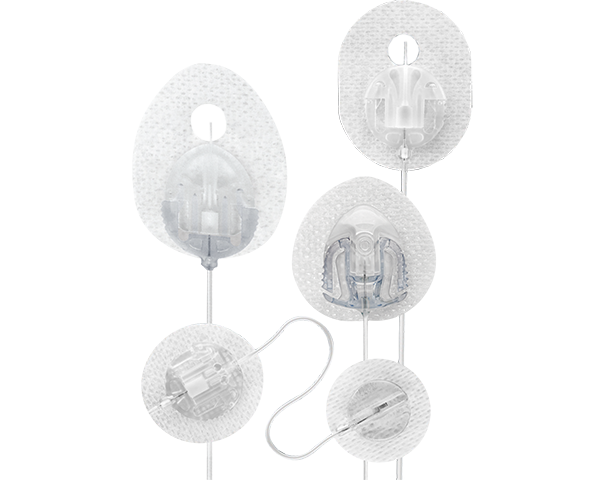
Tandem Infusion Sets
A variety of features and sizes are available to suit your needs.
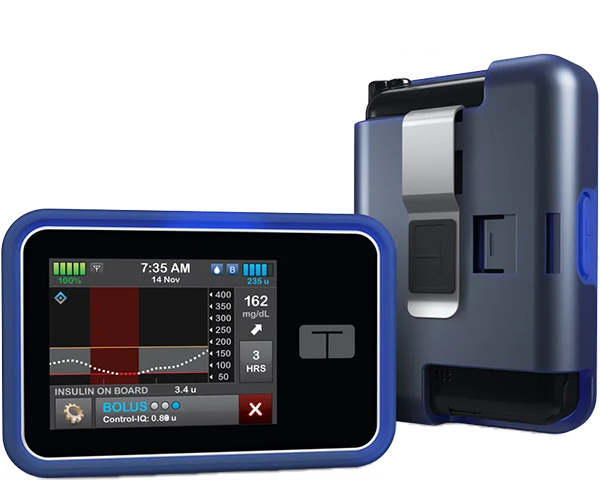
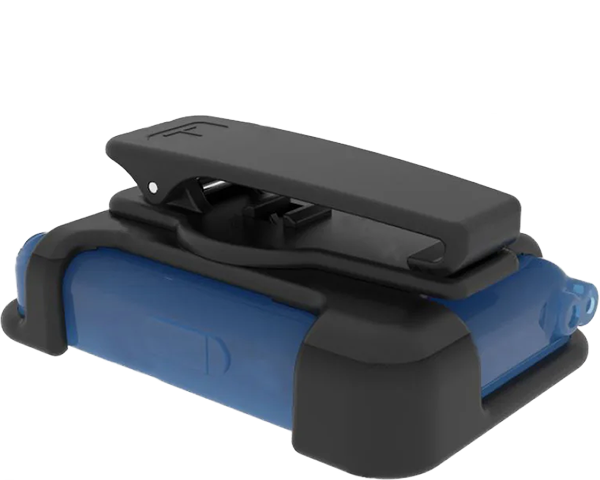
This t:case™ is a plastic case with a stainless steel clip that provides flexibility to wear the case vertically, horizontally or without a clip at all.